


Promo Management
 Promo Management
Your one-stop solution to boost sales with ease
Looking to attract more customers and increase sales? Easily create and manage your store’s promotions with our promo feature—no coding or technical setup required
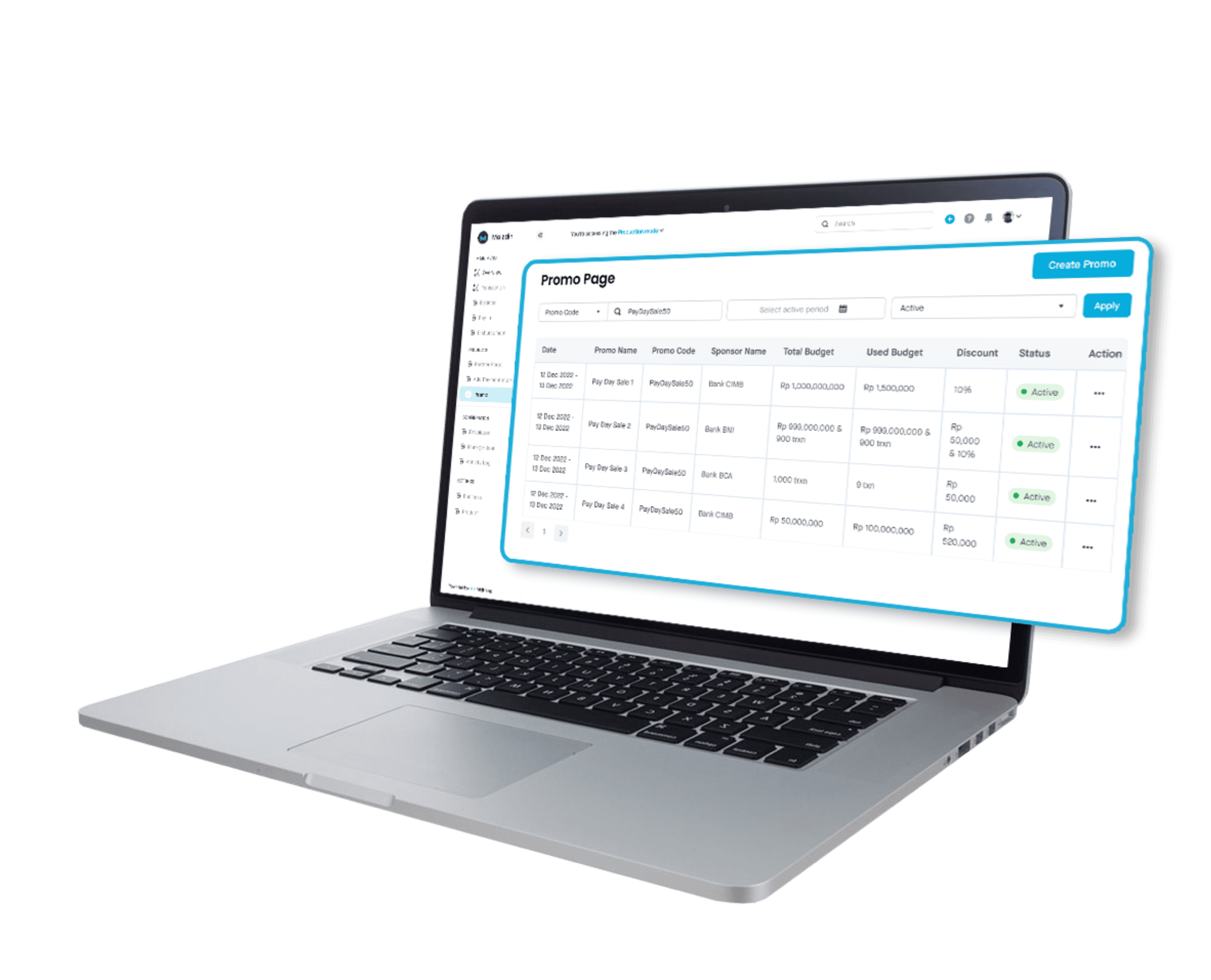
Create promo without coding
Set up and run promotions effortlessly from Midtrans Dashboard. No technical integration needed—it's all connected to the checkout page.
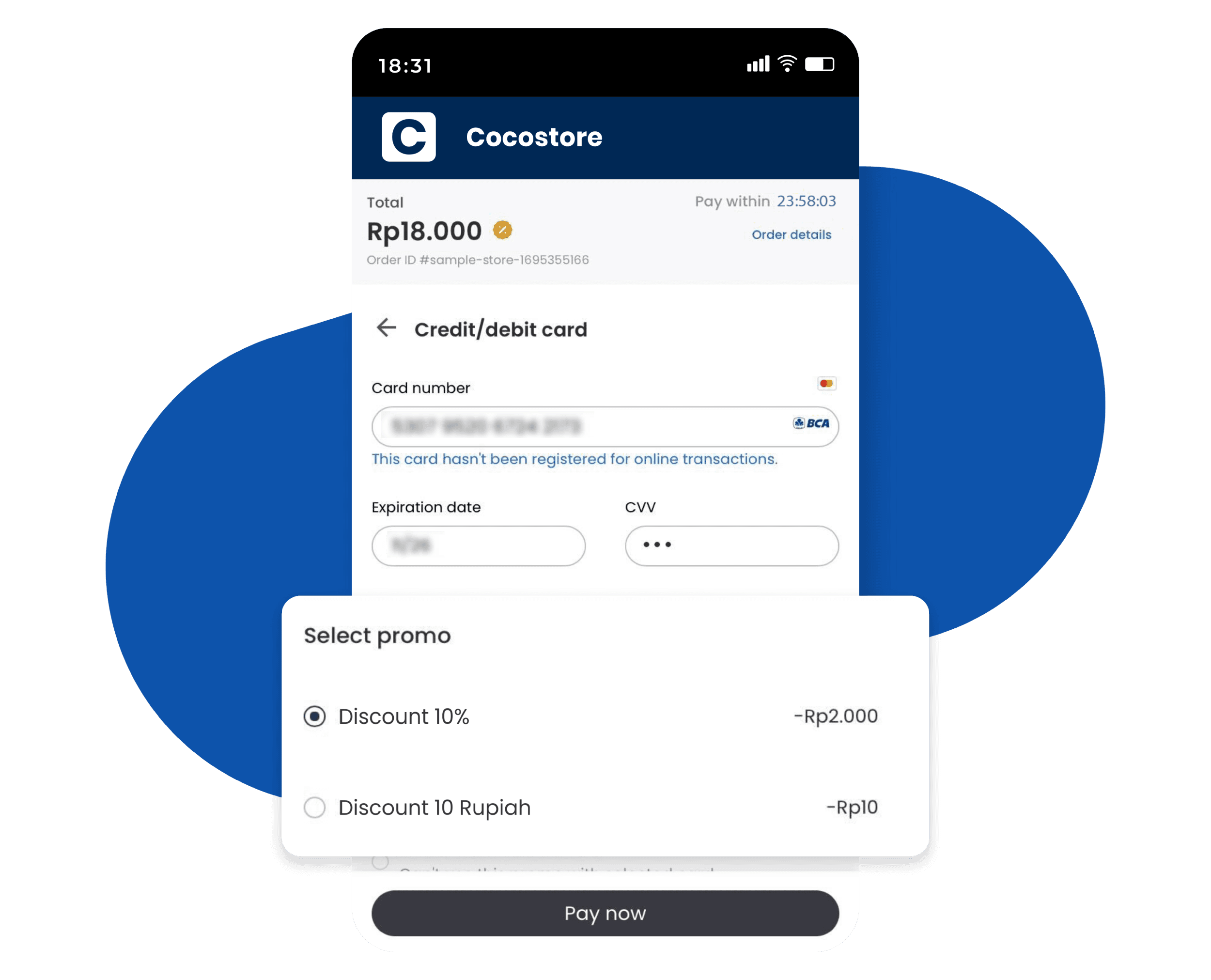

Prevent promo abuse
Track your promotions by setting maximum usage limits based on customer identity and budget, with automatic deactivation once the limit is reached to avoid over budget.
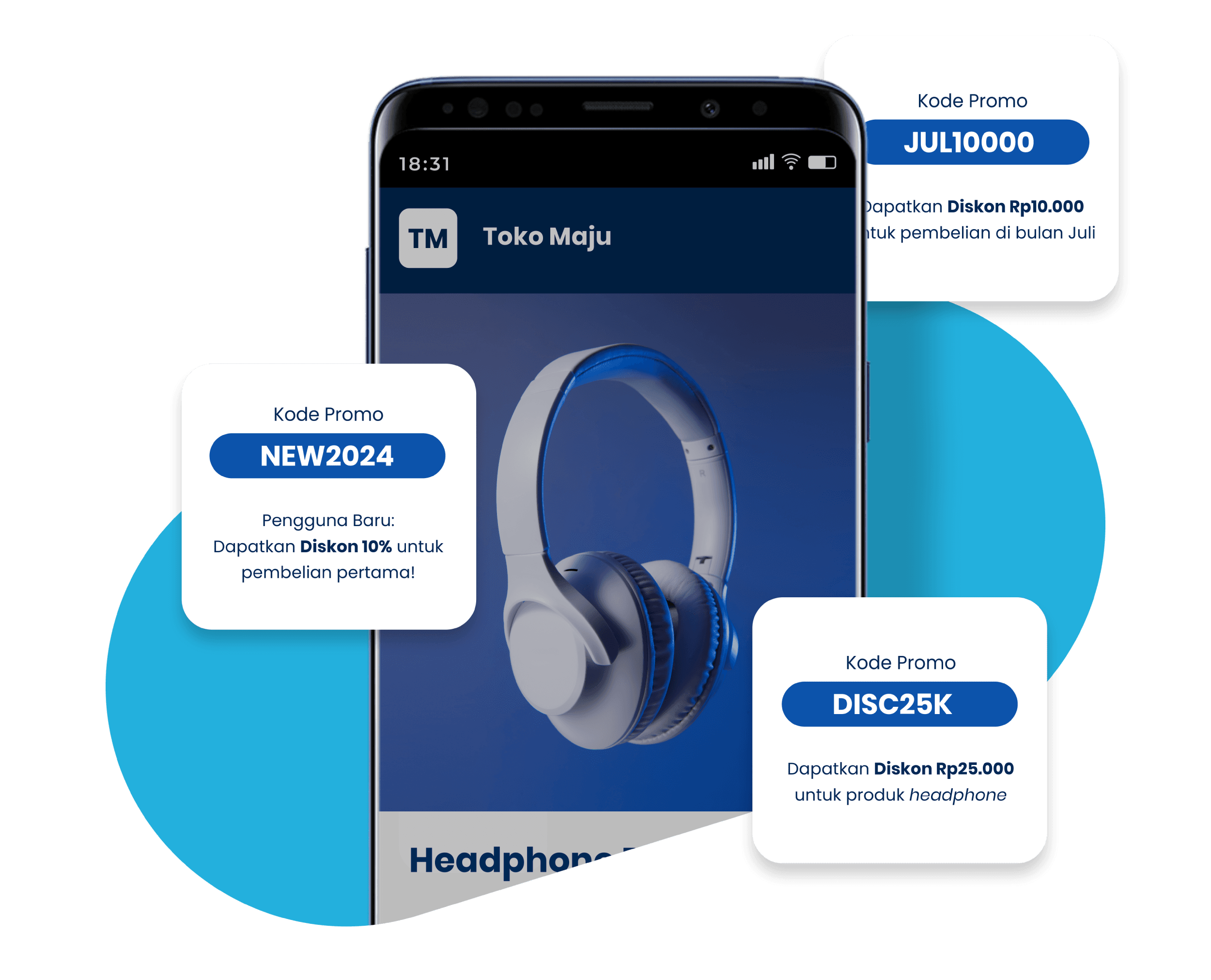

Customizable promo setup to fit your business needs
Promo Management allows you to customize promotions based based on specific payment methods using BIN and promotion periods (certain days and times)
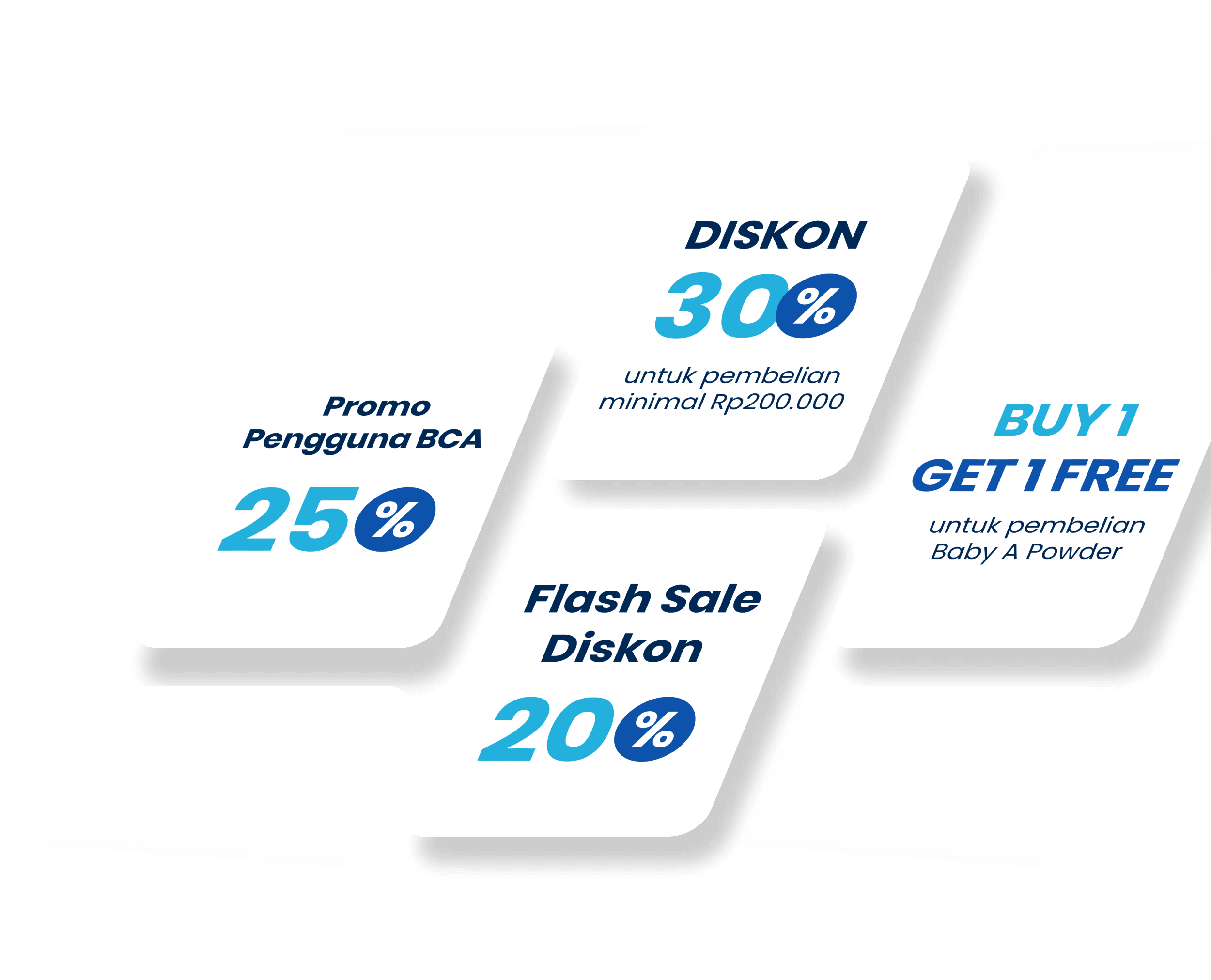
Enhance the efficiency of promotional campaigns
Encourage businesses to increase sales through promotion such as:
Fixed Discount
Promotion offering a fixed amount off the price, such as a Rp 20,000 discount on all products without a minimum purchase amount.
Percentage-based discount
Promotion offering a percentage-based discount based, such as 5% off all products without a minimum purchase amount.
Discount with minimum purchase
Promotion to encourage purchases of certain value, for example, '5% discount for purchases of minimum Rp 100,000'.
Discount for specific products
Promotion to drive purchases of particular products, for example, '5% discount for buying Liptint A'.
Discount for specific payment methods
Promotion to encourage the use of particular payment methods like Debit/Credit Mastercard or preferred banks.
Voucher code
Promotion using one or more voucher codes that customers can use to get a discount, such as a special code for new users"

How it works
You can create a promo in seconds. No integration is needed.
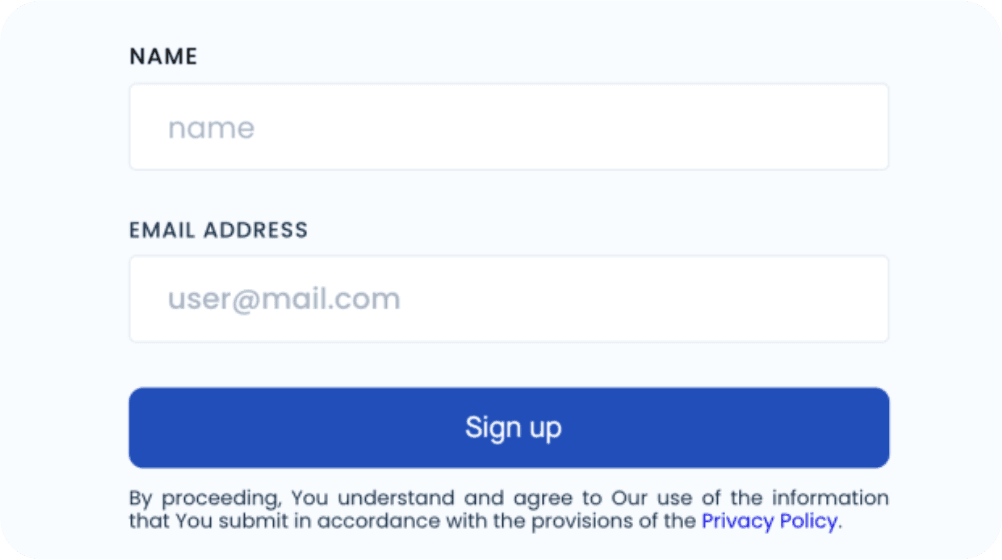
1. Sign up and create an account
Setting up with Midtrans is easy. Click the "Get started free" button and you’re on your way.
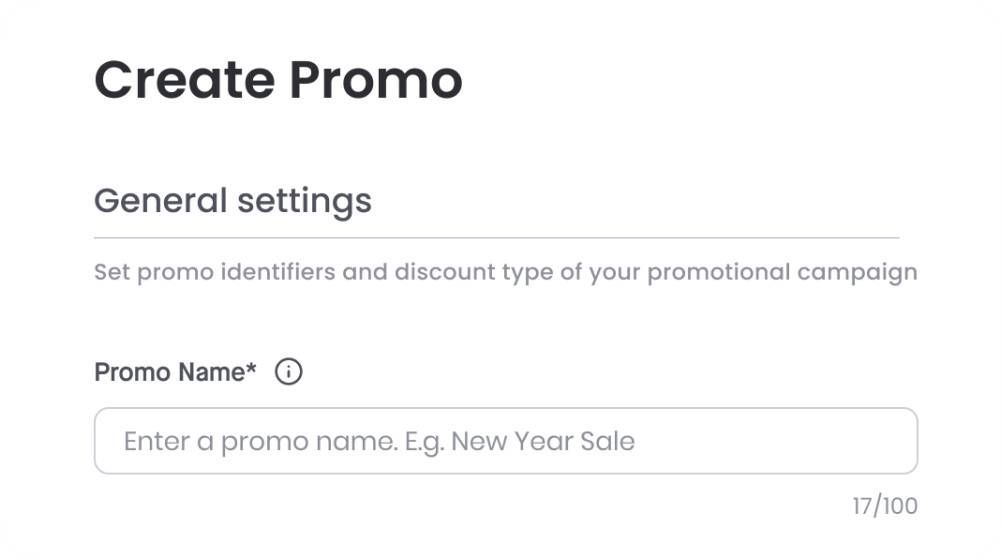
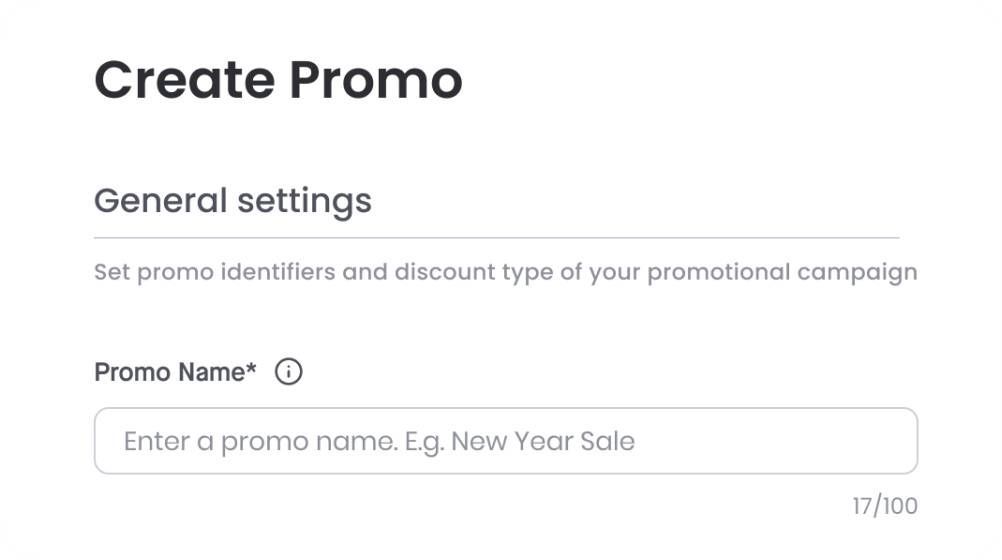
2. Set up promotions via Dashboard
Log in to your Midtrans account, go to the Promo section, and fill out the campaign details.
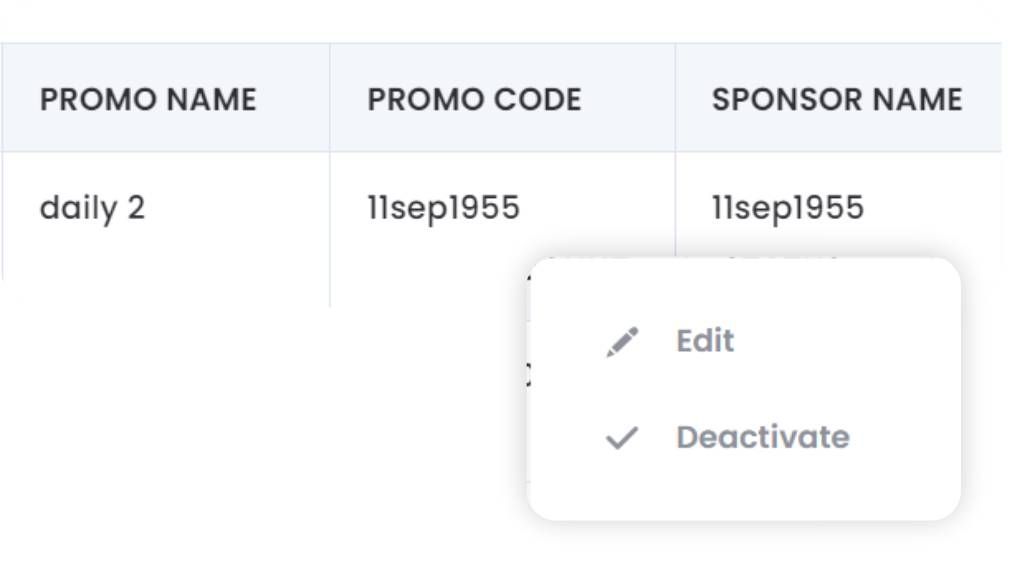
3. Monitor and manage campaigns
Activate campaigns saved as drafts, edit ongoing campaigns, or deactivate campaigns—all on one page.
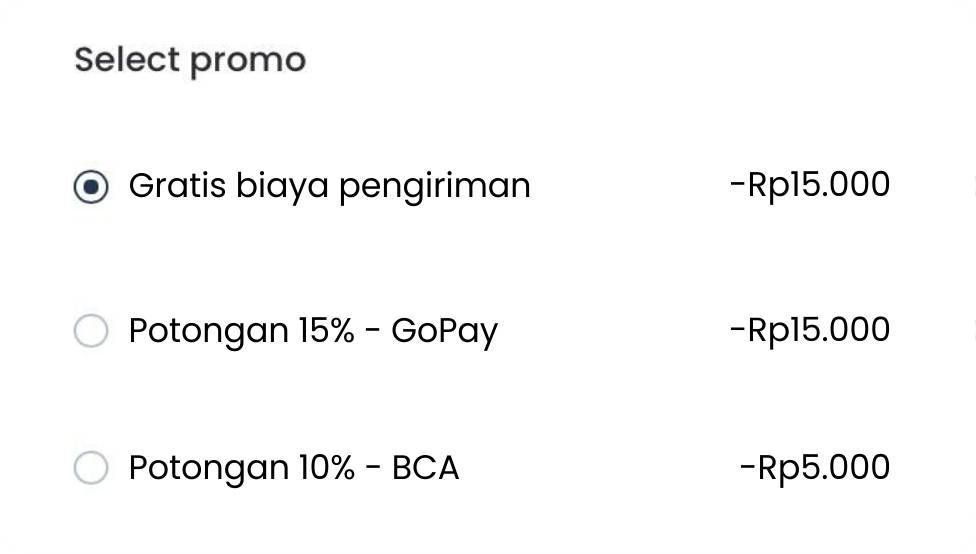
4. Promotions are finally available
Active promotions will automatically appear for customers on the SNAP Checkout page.
5. Download campaign’s transaction reports
Retrieve your campaign reports to easily share with partners and analyze campaign performance.

Tech Docs
Promo Management makes it easy to run promotions for payment methods, purchase quantities, specific periods, and more, without any extra technical setup or coding.
Learn more >


Have more questions?
Help CenterYes, Payment Link is for individuals, corporations, and non-profit organizations.
A tax ID is required. If you don't have one, consider borrowing from your husband/wife/parents.
In our standard procedure, transaction fees will be charged to the seller, as the party who engages Midtrans. If you want your buyers to bear the fees, please add the transaction fees to the final amount (using parameter gross_amount) which will be sent to Midtrans' API